
Deploys are where agents should ask
You run a coding agent for long stretches. Most steps are safe to leave alone. A deploy is not.
The agent waits at a prompt you cannot see
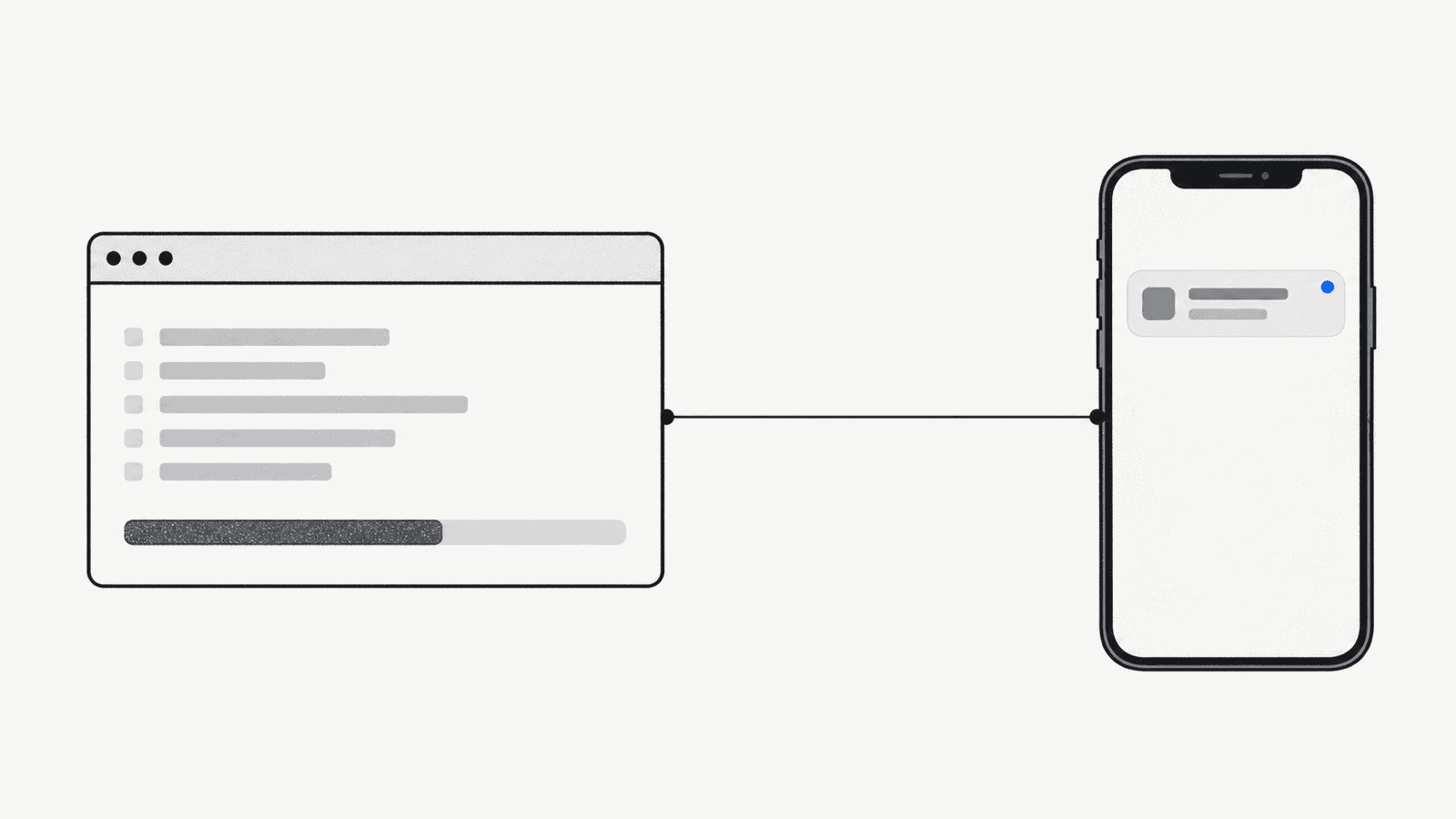
You start a long run and walk away. The agent reaches the deploy step and sits at a terminal prompt until you come back.
Or it decides without you
An agent that cannot ask will guess. A guess about which build to ship, or where, is not a call you want it to make.
A yes or no should not need your laptop
The decision takes seconds. Getting back to a desk to type it takes far longer.
How a deploy approval works
1. The agent reaches the deploy
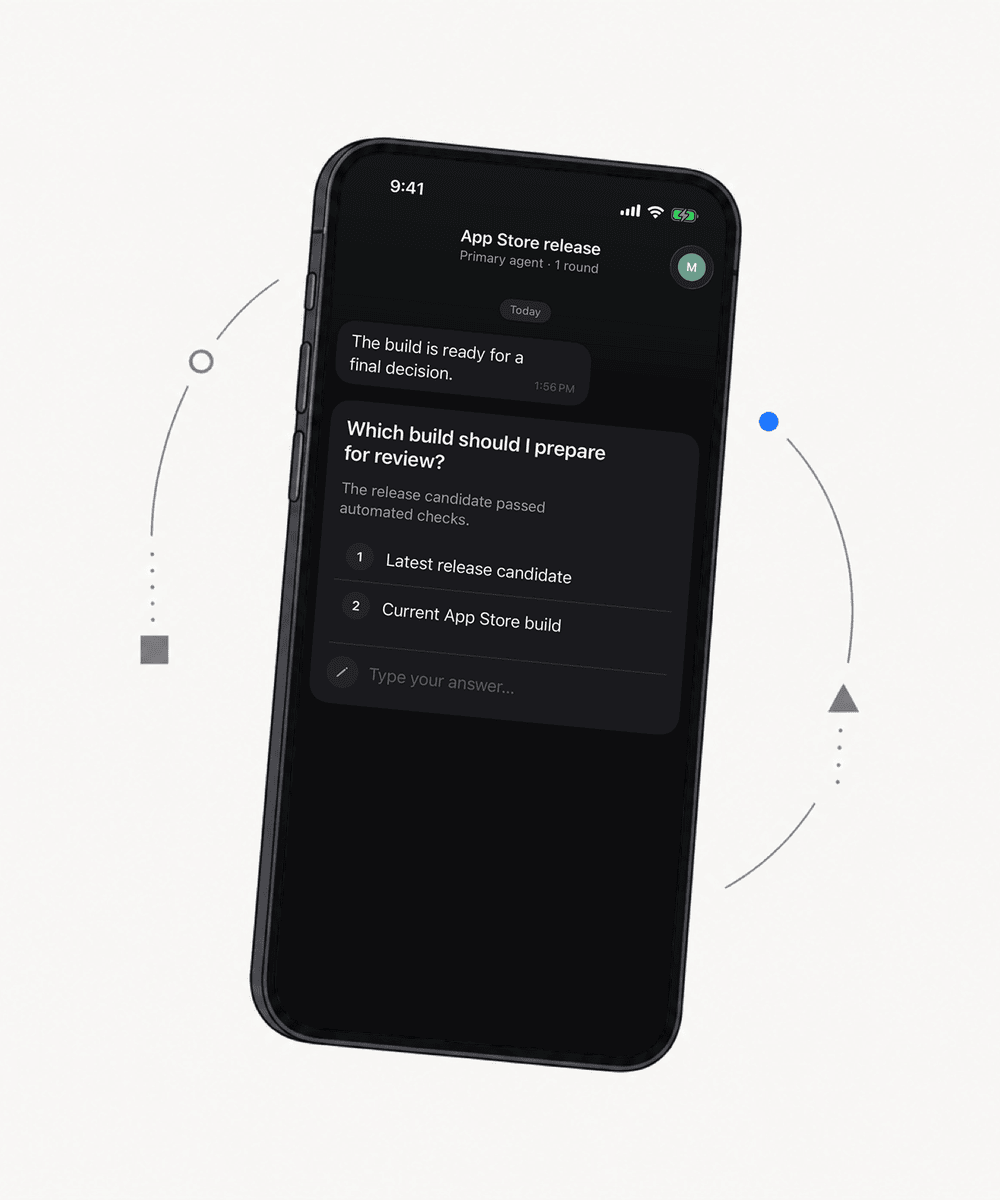
Before it ships, your agent calls ask_question with the choices you care about, such as which build and whether to go ahead.
2. Your phone buzzes
Notifex sends a push notification to your iPhone. The question sits in a thread in your inbox.
3. You pick an option
Tap one option, pick several, or type an answer. Your answer goes straight back to the agent.
4. The agent continues
The agent was waiting on that exact question. It picks up with your decision and runs the deploy, or stops.
Questions about deploy approvals
No. Notifex carries the question and your answer. Your agent runs the deploy itself, using whatever access you already gave it.
Claude Code and the Claude.ai connector work today. Both connect through one MCP entry.
You can pick one option, pick several, or type a free-text answer. A single push can carry up to 10 questions.
Yes. An agent can attach images, video and documents to a question: up to 10 files, 10 MB each.
No. Notifex is free on the App Store.
Approve the next deploy from your phone
Free on the App Store. Then add one MCP entry and let your agent ask.
Download for iPhone