
Your agent asks, then waits
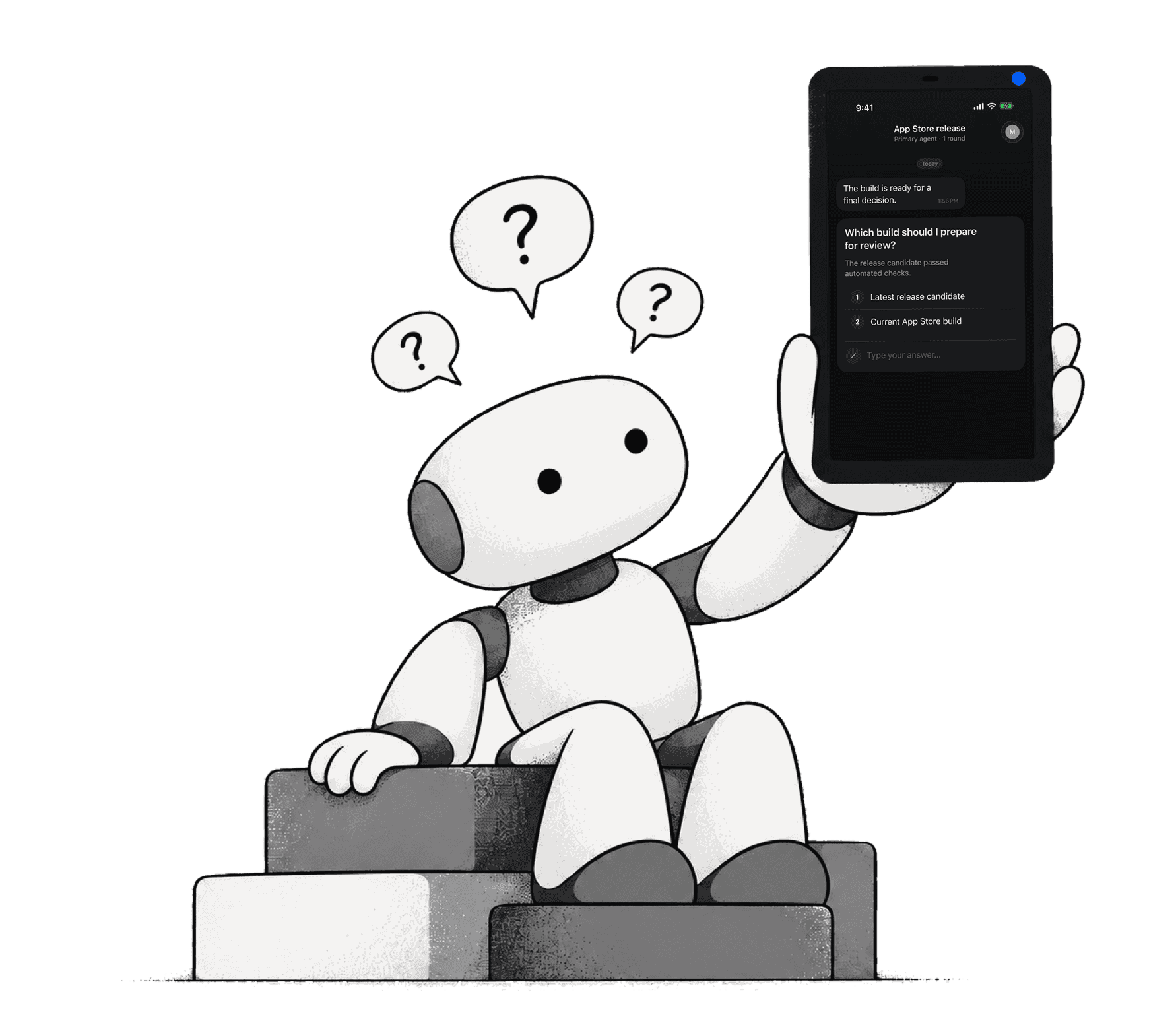
At a decision it should not make alone, your agent asks a question and waits. It picks up again when you answer.
It waits for you
The agent pauses at the question and holds its place. When you answer, it carries on with your decision, not a guess.
Questions that fit the decision
Pick single-select, multi-select or free text. Send up to 10 questions in one push and answer them in one go.

Answer from your phone, wherever you are
A push notification tells you what the agent asked. Choose or type your answer and it goes straight back.
How it works

Add one MCP entry
Paste a JSON entry into Claude Code or add the connector URL in Claude.ai. Each project has its own secret key.

Your agent asks
The agent calls ask_question or ask_questions. Your iPhone gets a push notification.

Answer from your phone
Tap your choice or type a reply. The agent, waiting on the thread, receives it and carries on.
Built for agents that need a person

Six MCP tools
Send, ask, ask a batch, wait, check and upload. Your agent calls them like any other MCP tool.

One secret key per project
Each project gets its own key, shown once when you create it. Keep it somewhere safe.

Remote over HTTP
Your agent connects to the hosted endpoint at mcp.notifexapp.com. No server to run.
Connect with a single MCP entry
Claude Code takes a JSON entry. Claude.ai takes a connector URL. That is the whole setup.
Two ways to connect
Add the entry to Claude Code, or paste the connector URL into Claude.ai. Both use your project's secret key.
Send files, find every thread
Agents can attach what they mean, not just describe it. Every question and answer stays in your inbox.
Agents send files
Images, video and documents, up to 10 files and 10 MB each. See the screenshot or log the agent means.
Inbox and search
Every project keeps its threads in one inbox. Search to find what an agent asked and what you said.

Get Notifex on your iPhone before your agent needs to ask
Free on the App Store. Then add one MCP entry and let your agent ask.