
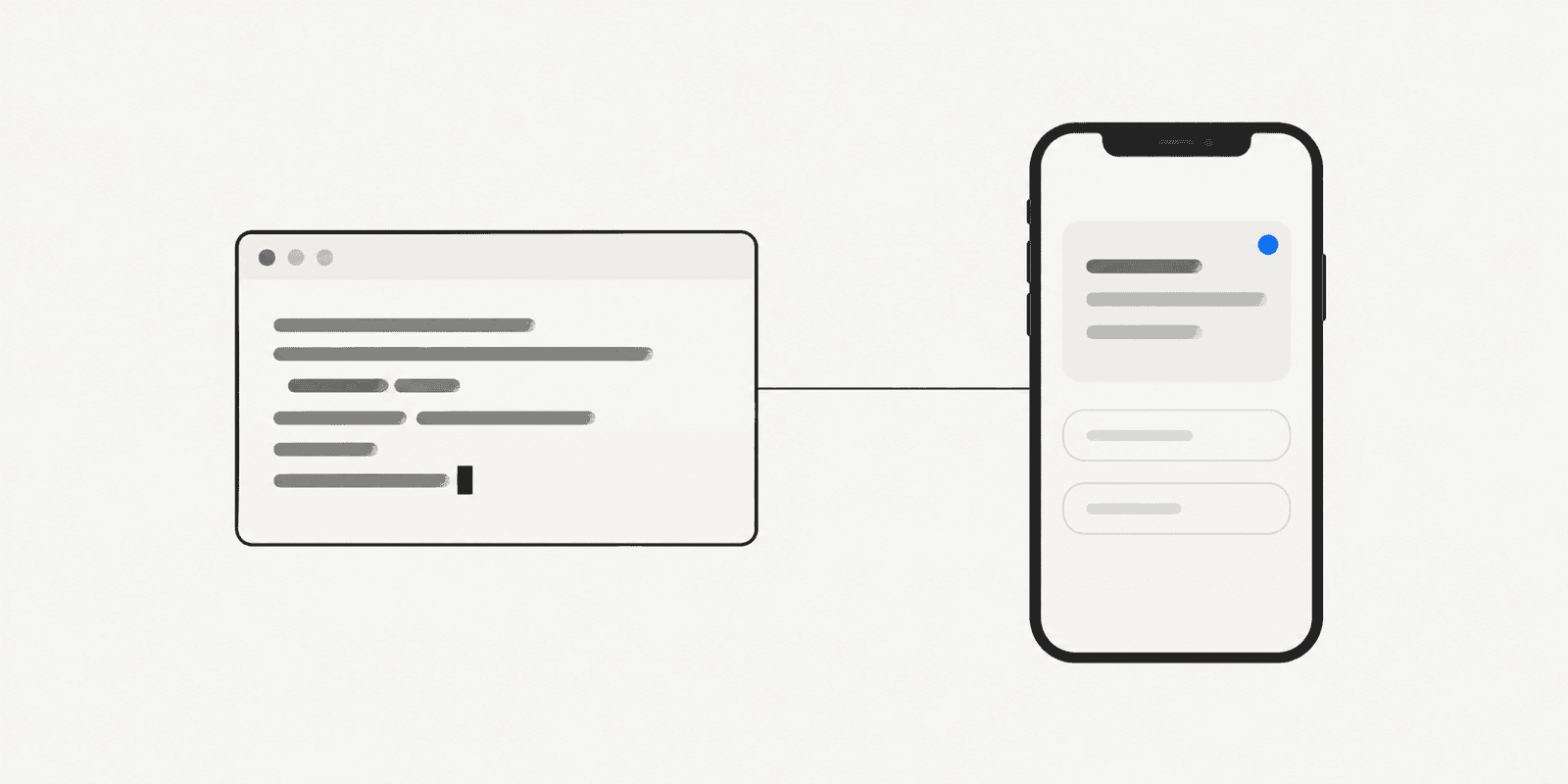
A long agent run reaches a point it should not decide alone. Which branch to ship? Is this migration safe? You are away from your desk. This post shows how to give your agent someone to ask: you, on your phone.
Why agents stall or guess
Without a channel to a person, an agent has two bad options. It can stop at a terminal prompt nobody is watching. Or it can pick an answer and keep going.
Stalling wastes the time you meant to save. Guessing is worse: the wrong call may surface hours later, buried in a long log. What the agent needs is a way to ask, then wait.
Asking only works if the question reaches you where you are. A message in a terminal tab does not. A push notification on your phone does, and it keeps the agent waiting until you reply, so it never has to guess in the meantime.
Add the MCP entry
Notifex runs as a remote MCP server over HTTP at mcp.notifexapp.com. Each project in the Notifex portal has its own secret key. The portal shows it once, so copy it when you create it.
The portal's MCP Setup page gives you the entry to paste into your agent's MCP configuration. It points at the endpoint and sends your key in an authorization header. In Claude Code, that is one entry. In the Claude.ai connector, you paste a URL instead.
Once connected, your agent sees six tools: send_message, ask_question, ask_questions, wait_for_answer, check_answer and create_upload.
One question or many
ask_question sends one question and blocks until a person answers. The agent pauses, holds its place, and resumes with your reply.
ask_questions sends a batch of up to 10 questions as one push notification. You get one checklist, not ten buzzes.
Some chat clients cut off long tool calls. For those, the agent passes wait=false. The call returns at once with an id, and the agent follows up with check_answer or wait_for_answer. The question stays open in the meantime, so a dropped connection loses nothing.
Answer types and files
The agent picks the answer type that fits the decision:
- Single-select: pick one option, such as a branch.
- Multi-select: pick several, such as which checks to run.
- Free text: type a short reply when options do not fit.
Words are sometimes not enough. With create_upload, an agent can attach images, video or documents to a message or question. You can attach up to 10 files, 10 MB each.
What happens on your phone
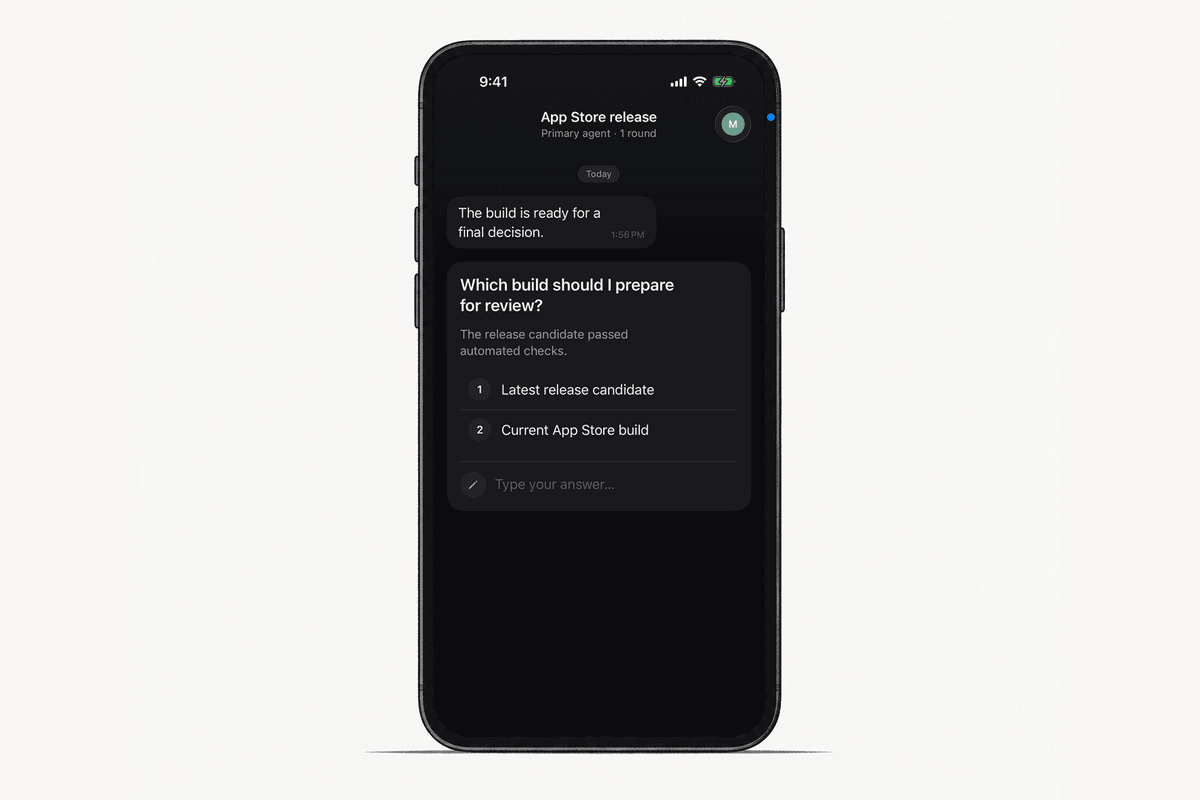
The question arrives as a push notification on your iPhone. Open it, read the context, and answer in the thread. Your answer goes straight back, and the agent continues.
In a team project, every member gets the push. The first answer wins, and that person takes the follow-up thread. Each project also keeps an inbox with history and search, so you can find what an agent asked last week.